MindMap Services
How your child signs in on their iPad
Each child has their own sign-in ID and password. Use the details on the slip from your tutor — one set per child.
Open the website
On the iPad, open Safari (or Chrome) and go to:
www.mindmapservices.com
Open the student portal
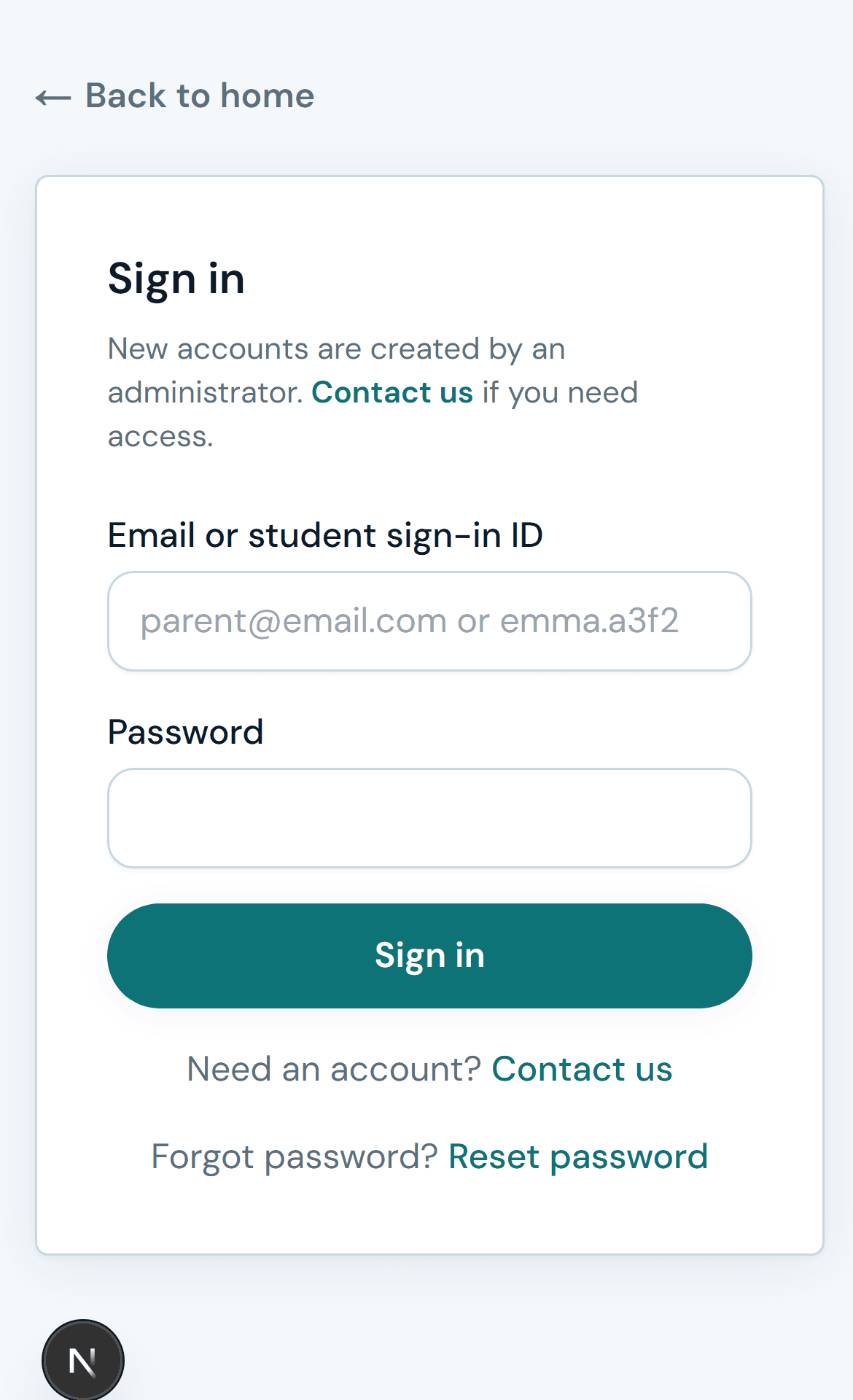
Tap "Portal" or "Sign in" on the website menu.
Choose Student sign-in
Make sure you are on the sign-in page (not parent registration).
Enter the sign-in ID
Type the short sign-in ID MindMap gave you for this child — not the parent's email.
Write on your slip from MindMap
Sign-in ID: ____________________
Password: ____________________
Enter the password
Type the password on the slip from MindMap. Tap Sign in.